Claude Code fundamentals
Claude Code is an AI assistant that runs directly on your computer — in the terminal. This page explains the most important terminology, keys, and capabilities.
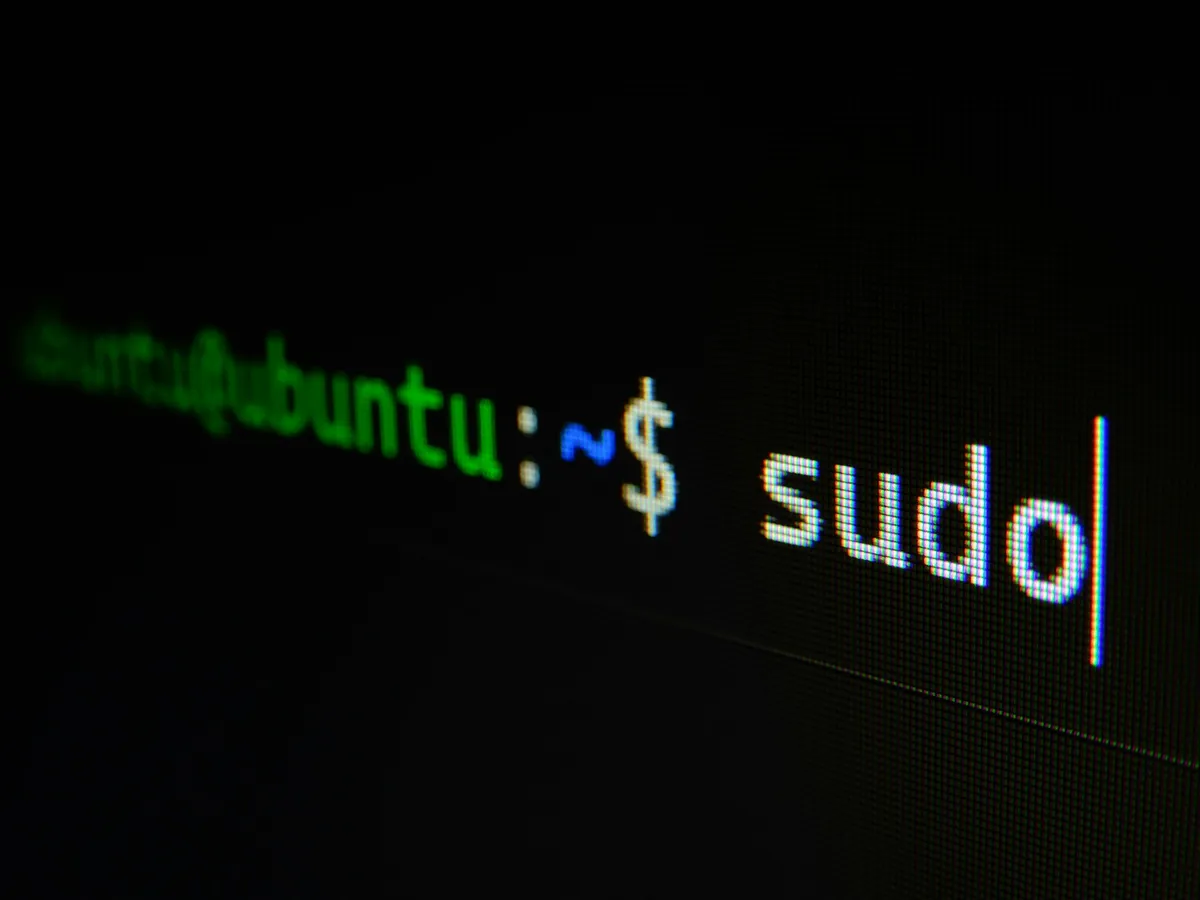
What is the terminal?
The terminal is a text window where you give your computer direct commands — via keyboard instead of mouse.
Claude Code turns this into a chat: you write your task in plain language, Claude responds and handles it. No programming knowledge required.
The most important keys
In the terminal, everything works via the keyboard. These are the keys you should know.
Enter — Send
Sends your message to Claude. Nothing happens until you press Enter — so you can correct yourself at your own pace.
Escape — Cancel
Cancels the current action or closes a dialog. Together with Ctrl+C, the most important emergency brake.
Shift+Tab — Switch mode
Switches between work modes (Normal, Plan, Auto-Accept). Plan Mode is recommended for most tasks.
Ctrl+C — Stop immediately
Stops Claude immediately, regardless of what’s happening. The most important key when something goes wrong.
Terminology explained
The most important terms around Claude Code — explained simply, without technical jargon.
Prompt
Your message to Claude. Everything you type and send with Enter. The clearer your prompt, the better the response.
Token
How Claude measures text — roughly one word per token. More tokens mean higher costs and longer responses.
MCP server
A bridge that connects Claude to other systems. Example: with the Atlassian MCP, Claude can directly read and edit your Jira tickets.
Skill
A pre-built workflow for Claude. Skills are invoked via slash commands and tell Claude how to handle a specific task.
Context
Everything Claude knows about your current conversation. Claude remembers the history of a session — a new conversation means a new context.
CLAUDE.md
A text file with your permanent instructions. Claude reads it automatically at the start of every conversation — like an onboarding document for a new colleague.
What you can do with Claude Code
Concrete examples from everyday work — no programming knowledge required.
Manage Jira tickets
View open tickets, create new tickets, prioritize and assign tickets — all via natural language.
Emails and calendar
Summarize unread emails, check appointments, create agendas. Especially powerful in combination: “What appointments do I have tomorrow, and are there open tickets from the participants?”
Confluence pages
Create documentation, search wiki pages, summarize content. Claude works directly in the system.
Research and analysis
Search internal documents, analyze data, consolidate information from various sources.

Prefer structured learning?
This tutorial and more in a structured form with progress tracking: 50 lessons in 9 categories. Free for prospects and, once you commission the pilot, for up to 25 people from your team.

Ready to get started?
We set up Claude Code in your organization and train your team — from the basics to productive use.
Loading content...