Understanding and using Claude Code
Claude Code is an AI assistant that works directly on your computer. Here you’ll learn what this means for your everyday work — explained clearly, without technical jargon.
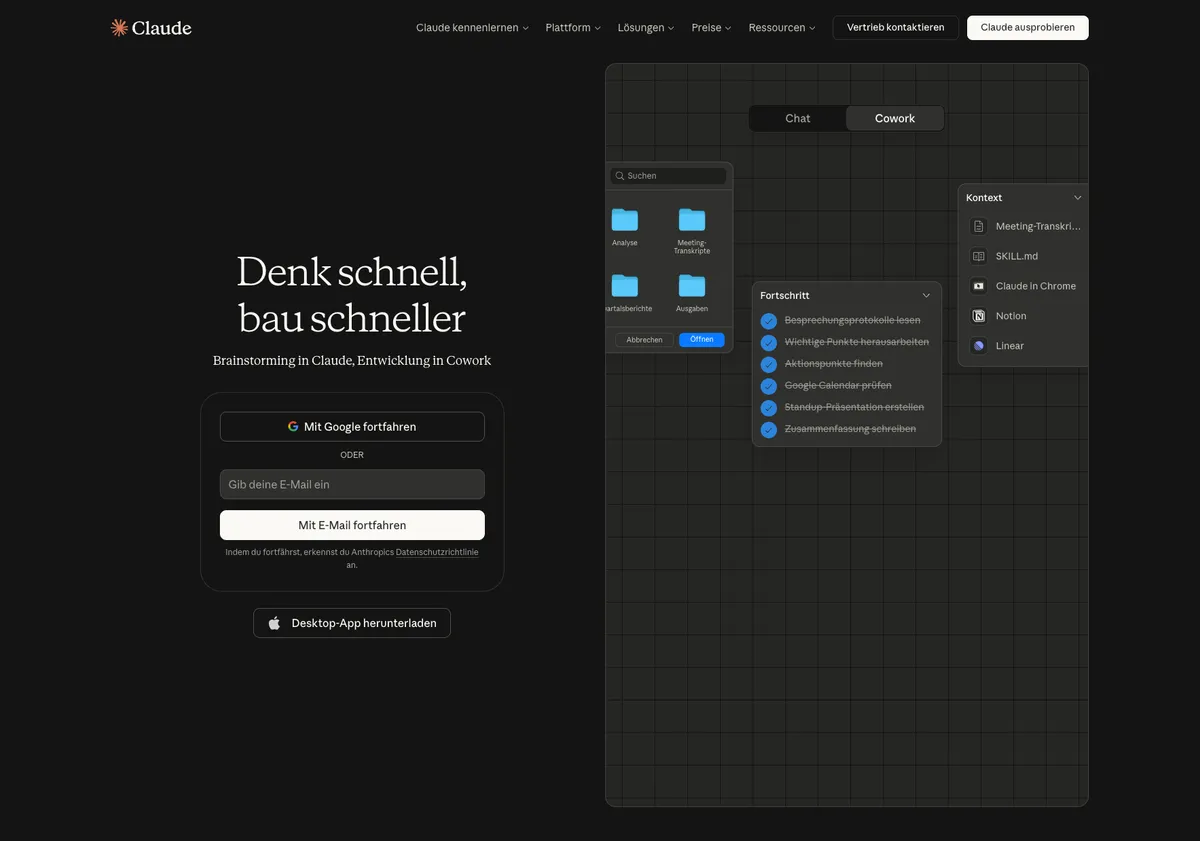
What is Claude?
Claude is an AI assistant by Anthropic — not a simple chatbot, but a tool that handles complex tasks autonomously.
Claude understands context, works with your files, and executes multi-step tasks. Instead of just answering questions, Claude can research for you, create documents, analyze data, and interact with your company systems.
Claude WebsiteWhat Claude can do for you
Practical use cases for your everyday work — no programming knowledge required.
Emails and texts
Draft, revise, summarize — in your tone and style.
Prepare meetings
Review calendars, create agendas, write meeting minutes.
Jira and Confluence
Create tickets, query status, set up Confluence pages.
Research and knowledge
Search internal documents and summarize information.
Analyze data
Analyze CSV files, create tables, recognize patterns.
Create concepts
Structured plans, decision templates, and documentation.
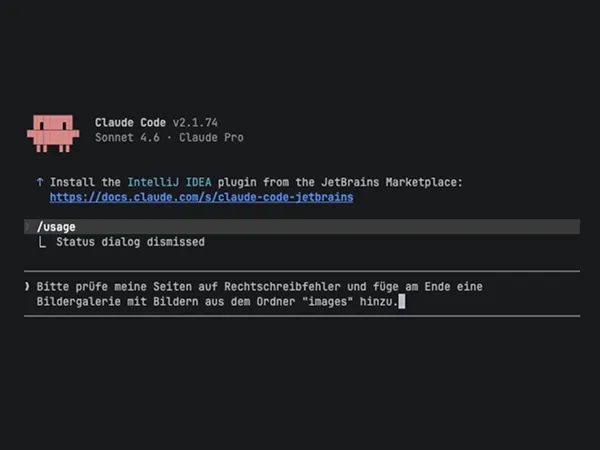
What is Claude Code?
Claude Code is the version of Claude that works with files and company
systems, not just chat in a browser. It runs in something called a
terminal — a typing-based window. Sounds technical; in practice you only
need one command (claude) and then write what you need in plain English.
If you can’t install software on your work laptop, we run Claude Code for
you in a browser-based workspace. Either way: you write what you need,
Claude does the work.
The key concepts
Three things that make Claude Code special.
CLAUDE.md — Your working instructions
A text file with your permanent instructions. Claude reads it automatically at the start of every conversation — like an onboarding document for a new colleague. Your name, your rules, your preferences: set them once, use them always.
Skills — Reusable, versioned, governed capabilities
Pre-built workflows that Claude executes via slash commands. Type
/commitand Claude saves your changes; type/release-notesand Claude drafts them in your company tone. Skills live as Markdown files in a Git repo — version-controlled, reviewable, governable. Centrally provisioned by your AI lead for the whole organization, so every team uses the same vetted prompts instead of reinventing them. This is how AI scales from “one developer being clever” to “a company-wide capability”.MCP servers — Connect to your systems
Adapters that connect Claude to Google Workspace, Jira, Confluence, Slack, and more. Once set up, you can simply ask Claude: “Create a Jira ticket” or “Search Confluence for the onboarding process.”
Frequently asked questions
Answers to the most important questions about Claude Code.
Do I need programming skills?
Do I need programming skills?
No. Claude Code is operated through natural language — you write your
tasks in English or any other language. The only technical hurdle is the
terminal, and even for that you only need the claude command to get
started. Everything else happens through natural language.
Is Claude safe for business use?
Is Claude safe for business use?
Claude Code runs locally and only sends to Anthropic what you actually prompt — your files are not auto-uploaded. Files, system access, and write permissions are all gated by you; without write access Claude cannot modify anything. How we manage data region, cost, usage, and access for business use — including EU processing via our managed gateway — is covered under Control, compliance, and cost.
How does Claude differ from ChatGPT?
How does Claude differ from ChatGPT?
Both are AI assistants, but Claude Code goes a step further: it works directly with your files and systems, rather than just answering questions in the browser. Claude is particularly suited for multi-step tasks that require context — not just quick questions.
What is a project directory?
What is a project directory?
Simply a folder on your computer. When you start Claude in a specific folder, it can see and edit all the files in it. Each folder can have its own CLAUDE.md with project-specific instructions. Claude adapts automatically.
How do I write a good prompt?
How do I write a good prompt?
Clear, specific, and with context. Instead of “Write an email”, try: “Write a friendly email to Mr. Miller confirming the appointment on Thursday at 2 PM. Tone: professional but not stiff.” If the result isn’t right, simply correct Claude — the conversation is a dialogue.
What should I avoid?
What should I avoid?
Accepting results blindly — Claude is an assistant, not an oracle. Check important facts and recipients. Also: don’t be too vague. “Make this better” is less helpful than “Rewrite the second paragraph more concisely and remove the technical jargon.”

Structured learning — free
Deepen your knowledge with structured learning paths: 50 lessons in 9 categories with progress tracking for you personally and your team. Free for prospects and, once you commission the project, for your participating employees. Alternatively: Go to tutorials.

Ready to get started?
We introduce Claude Code in your organization — from the first pilot group to company-wide rollout. In a no-obligation initial consultation, we’ll discuss how Claude Code can concretely help your team.
Loading content...