MCP servers and extensions
Claude Code only becomes truly productive when connected to your company systems. MCP servers and extensions make that possible.
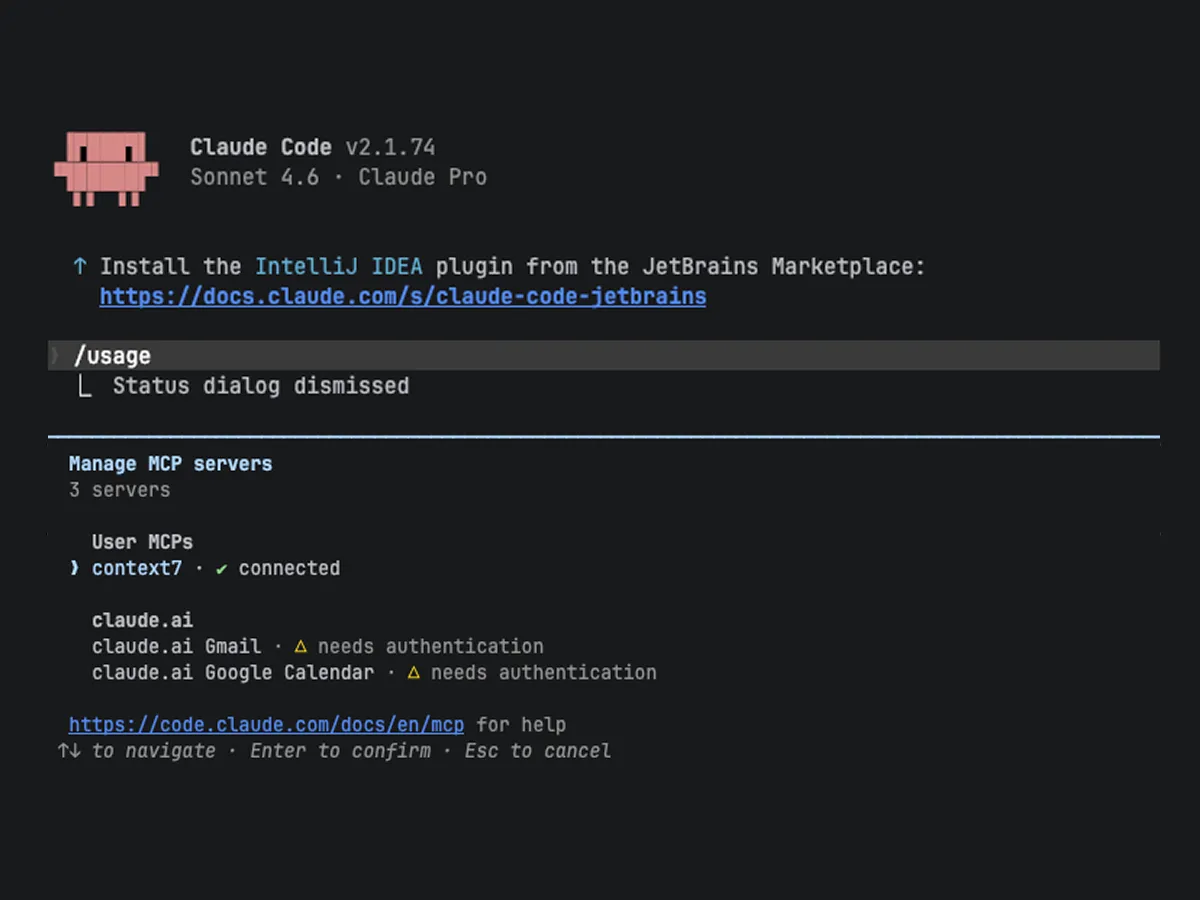
What are MCP servers?
MCP (Model Context Protocol) is an open standard that connects AI assistants to external systems. Instead of copying information back and forth between tabs via copy-paste, Claude gets direct access: read, write, update — in real time and from a single conversation.
Available system integrations
“Create a Jira ticket for the customer issue” — and Claude creates it. Not as a text template, but directly in the system.
Atlassian (Jira and Confluence)
Create, search, and assign tickets. Read and update Confluence pages. Search and link across projects.
Google Workspace
Read and reply to emails, check calendars, analyze spreadsheets, create documents. Especially powerful in combination: “What appointments do I have tomorrow, and are there open tickets from the participants?”
n8n (workflow automation)
View existing workflows, create new ones, monitor running executions. Claude becomes a partner in automation development.
Browser control
Some admin tasks can only be done through the web interface. Claude can navigate pages, fill out forms, and configure settings — even tasks that “can only be done manually.”
Extensions and plugins
In addition to MCP servers, there are further extensions that make Claude Code more powerful.
Up-to-date documentation (Context7)
Claude accesses current documentation for libraries and frameworks instead of outdated training data. This prevents errors caused by outdated APIs or breaking changes.
Plugins and marketplace
A growing ecosystem of extensions for specialized tasks: from structured brainstorming to code reviews and specification-driven development.
Custom MCP servers
Where standard solutions fall short, custom MCP servers can be built — for example for company-specific APIs or admin tasks with graduated permissions.

The decisive difference
No tab switching, no context loss. Claude can in a single conversation check Jira tickets, update a Confluence page, and send an email. Everything that would otherwise require five different browser tabs happens in one step.

Prefer structured learning?
This tutorial and more in a structured form with progress tracking: 50 lessons in 9 categories. Free for prospects and, once you commission the pilot, for up to 25 people from your team.

Ready to get started?
We set up the right MCP servers and extensions for your system landscape — so that Claude Code can work productively from day one.
Loading content...