Skills — Reusable workflows
Skills are instructions that teach Claude Code how to handle specific tasks. Once created, the whole team can use them via slash commands — no programming knowledge required.
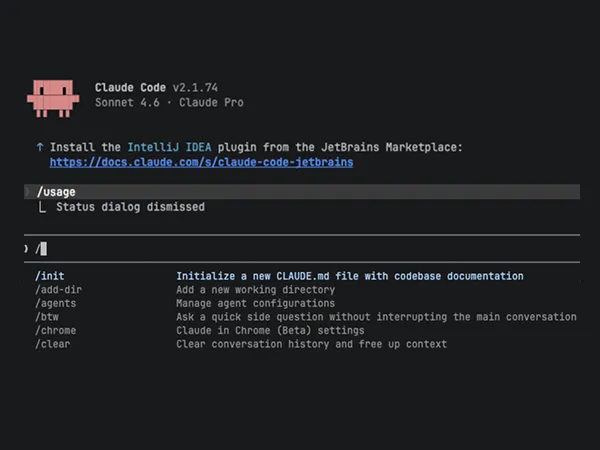
What are skills?
A skill is a reusable instruction package for Claude. A text file describes in natural language what Claude should do, which systems to use, and which rules apply.
No programming code — structured instructions that anyone can write. A skill is invoked via a slash command in the terminal, for example /commit or /review.
What's possible with skills
One command, and Claude executes a complex workflow — step by step, without you having to explain each individual step.
Personalized news
Claude searches your company intranet and delivers a summary of the latest news tailored to your role and interests.
Organize cover
Claude checks the open tickets and calendar of an absent colleague, prioritizes by urgency, and creates a structured coverage overview.
Discover AI potential
A structured interview identifies automation potential in daily work — Claude asks targeted questions and creates an action plan.
System administration
Set up Jira projects, audit configurations, migrate workflows — recurring admin tasks as standardized processes.
Skills as a team product
The special thing isn’t the individual skill. It’s the shared knowledge base that grows with every new skill.
Share and reuse
One colleague creates a skill, shares it via a repository, and everyone else can use it immediately. The investment pays off after the second use.
No programming knowledge needed
Skills are text files with instructions in natural language. Anyone who can write a clear task description can also create a skill.
Cross-platform
Skills are based on an open standard and work not only with Claude Code, but also with Cursor, VS Code, and other AI assistants.

Prefer structured learning?
This tutorial and more in a structured form with progress tracking: 50 lessons in 9 categories. Free for prospects and, once you commission the pilot, for up to 25 people from your team.

Ready to get started?
We develop skills for your specific use cases and train your team to create and share their own skills.
Loading content...